AI Zombie Trend Generator
The viral AI zombie trend — the gun that won’t fire, a memory and a hug instead of a bite — made with your own two photos. No prompt, no CapCut template, ready in about 3–5 minutes.


Do the zombie trend on your phone — no app, no prompt, no editing
Make your zombie trend video
Add a photo of you and one of the person who turns. Tap once.
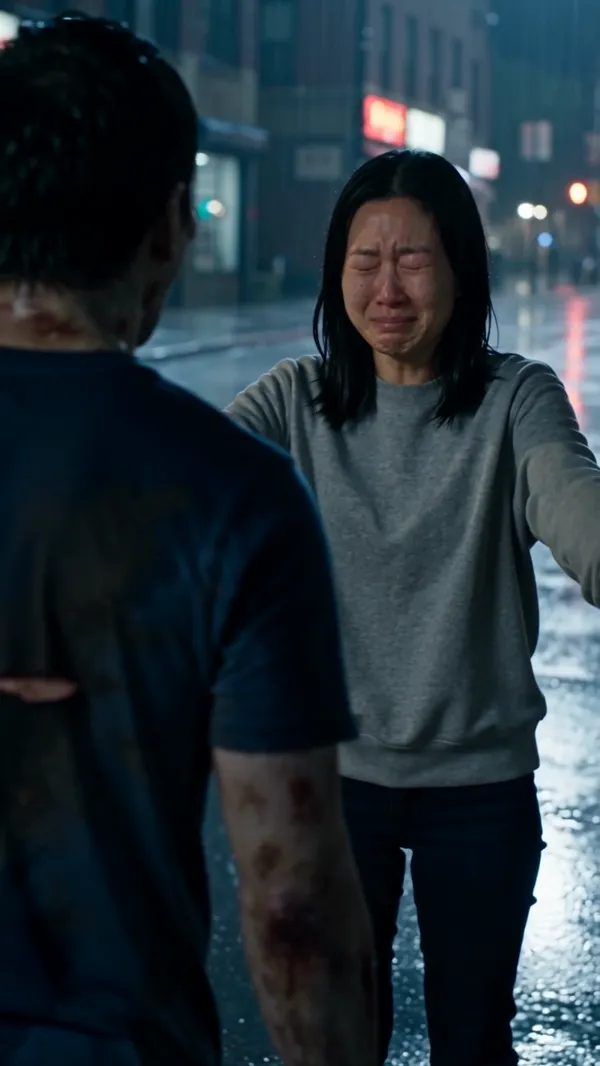 ExampleYour video will look like this
AI zombie trend examples
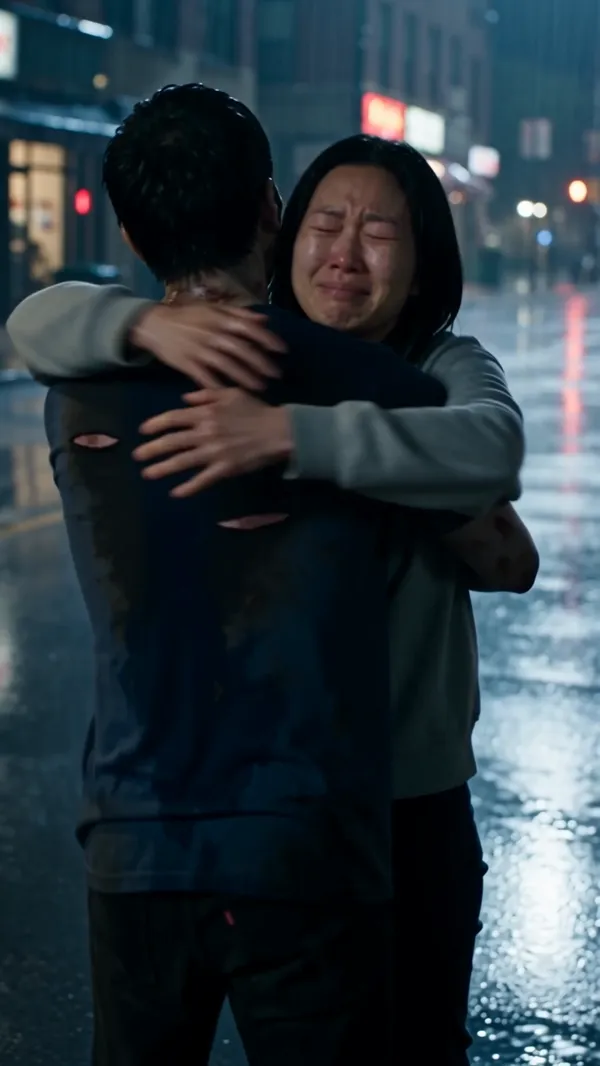
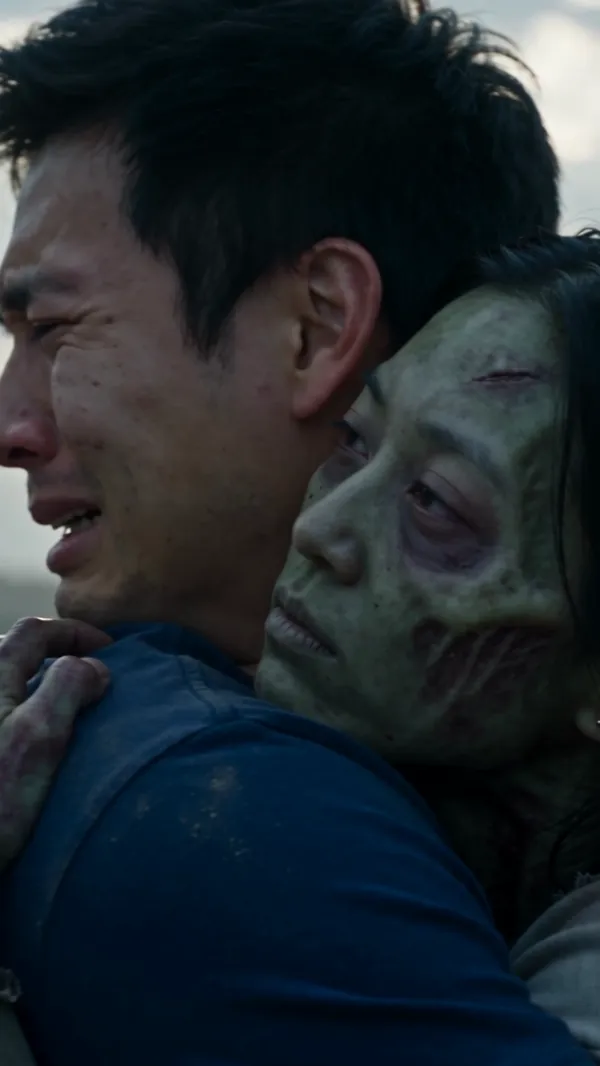
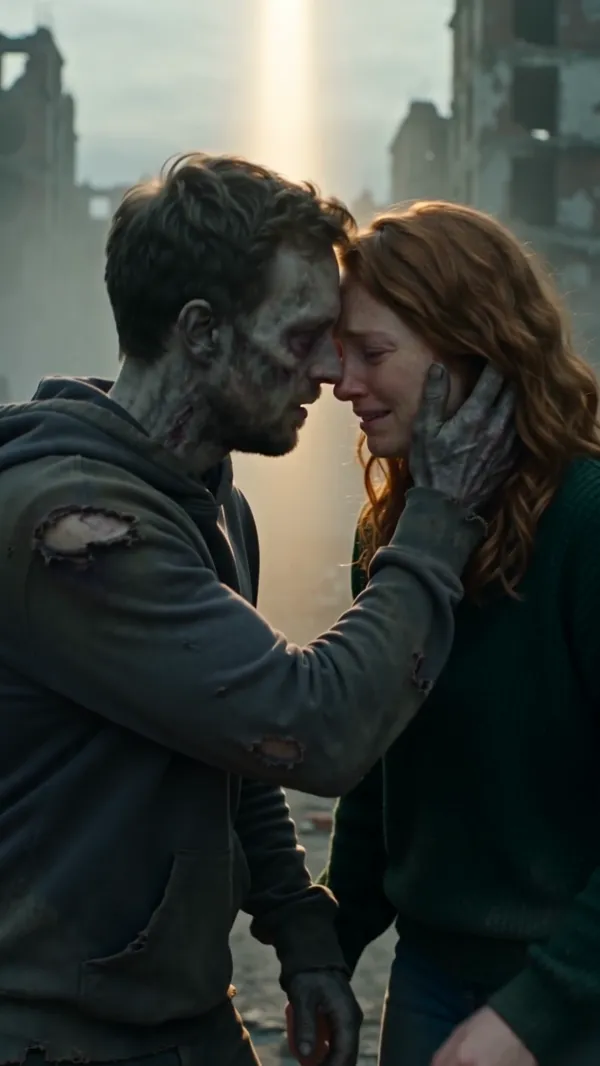
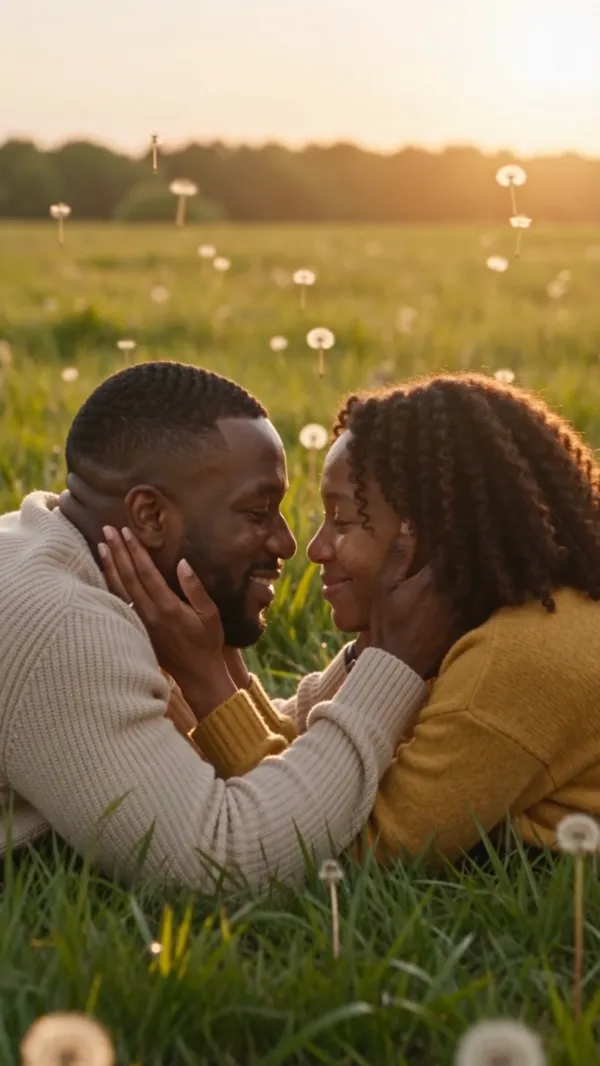
Each clip rendered once from two photos, unedited. Sample faces are AI-generated. Hover or tap a clip to play it.



What is the AI zombie trend?
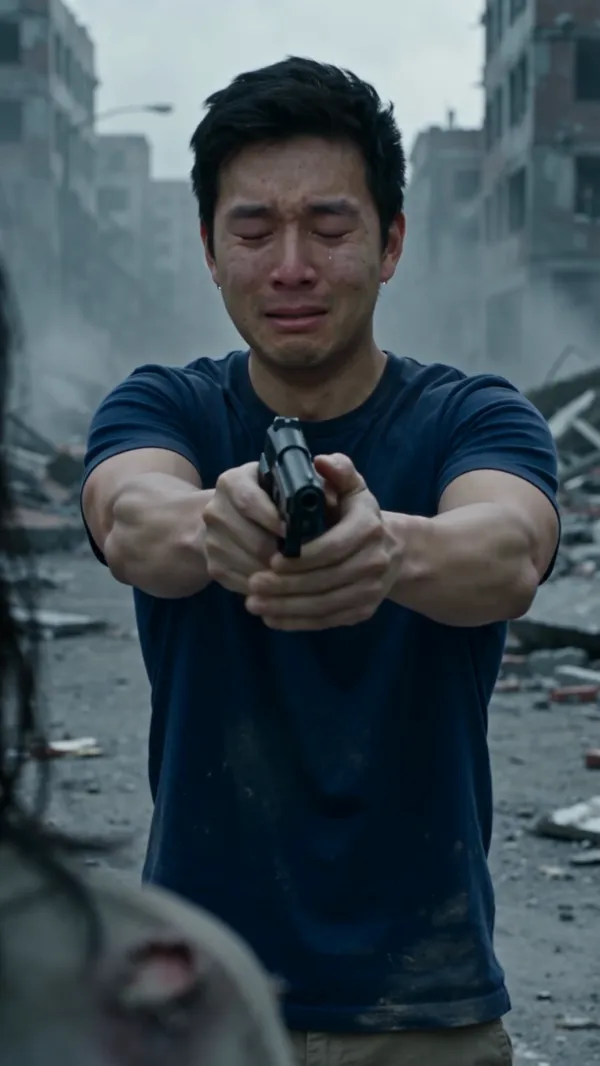
It’s a short, AI-made video in which someone you love has turned into a zombie. You raise a gun but can’t pull the trigger. A memory of the two of you flashes by, you drop the gun and open your arms — and instead of biting, they hug you. A few seconds of horror, then a love story.
People make it with partners, husbands and wives, parents and best friends, and post it on TikTok, Instagram Reels and YouTube Shorts. It is not a filter: every video is generated from photos of the two people in it.
Where the zombie trend started
The format took off on TikTok in late September 2026, a few weeks before Halloween. The clip that set it off showed a man who can’t shoot his zombie wife: she runs into his arms, and it cuts to a wheat field at sunset.
Within days people were remaking it with their own faces, and by early October tutorials, prompts and templates for the “zombie couple” and “zombie hug” versions were everywhere. The very first creator isn’t reliably documented, so treat any single “original” account with care.
The zombie trend, shot by shot
Every version follows the same five beats. This is how our generator times them in a 15-second video:
- 0–3sThe survivor aims a handgun with trembling hands. The gun doesn’t fire.
- 3–5sThe one who turned bursts out of the dark and lunges — grey-green skin, clouded eyes, still recognizable.
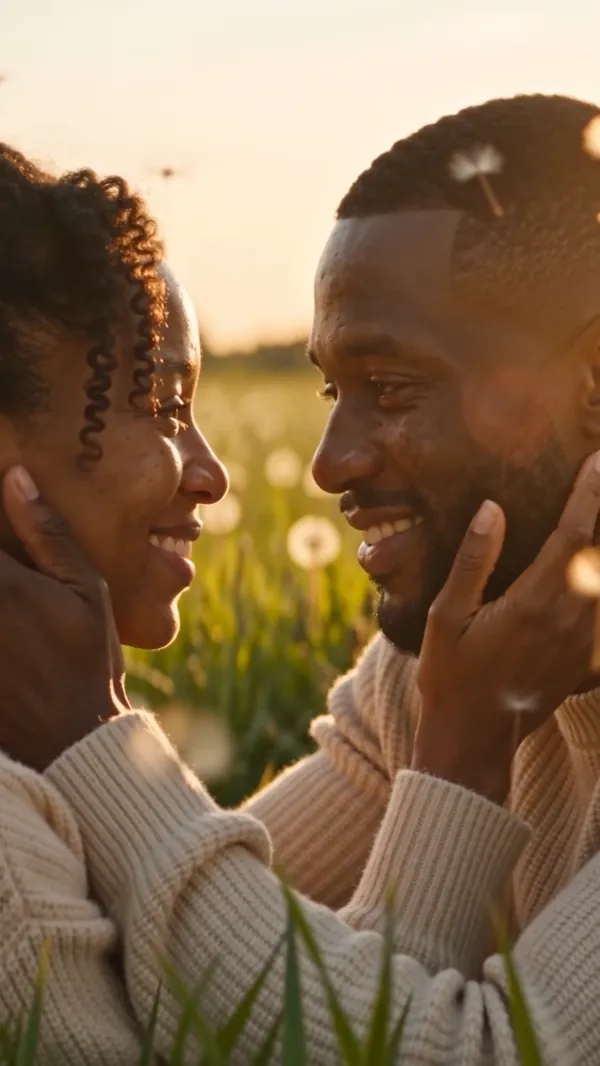
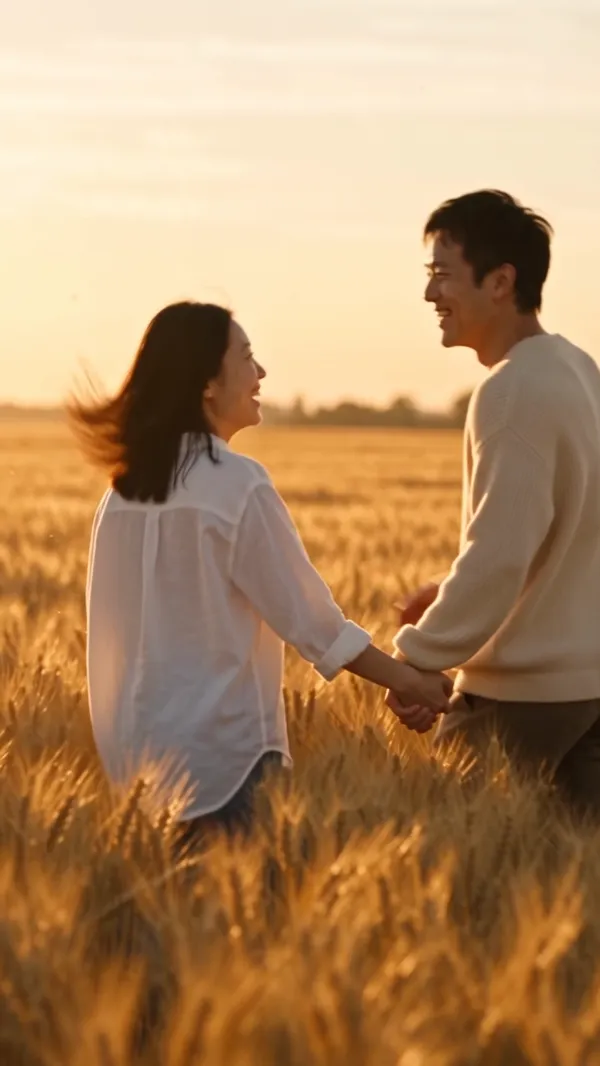
- 5–8sHard cut to a warm memory from before: the two of them running through a golden wheat field at sunset.
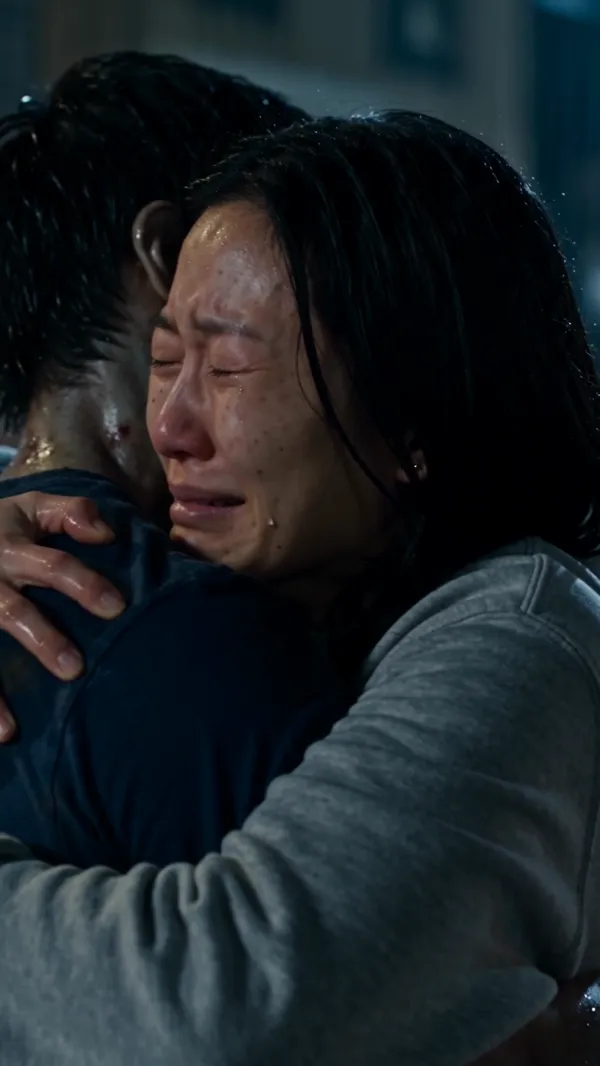
- 8–11sBack in the cold present, the survivor drops the gun, closes their eyes and opens their arms.
- 11–15sInstead of biting, the zombie wraps their arms around them. A hug, one held piano note.
24- and 30-second videos add a second memory and a final wide shot.
Three ways to do the zombie trend
The original: you can’t shoot, a memory flashes by, and it ends in a hug. Make it on this page or with the Zombie Couple Video Generator.
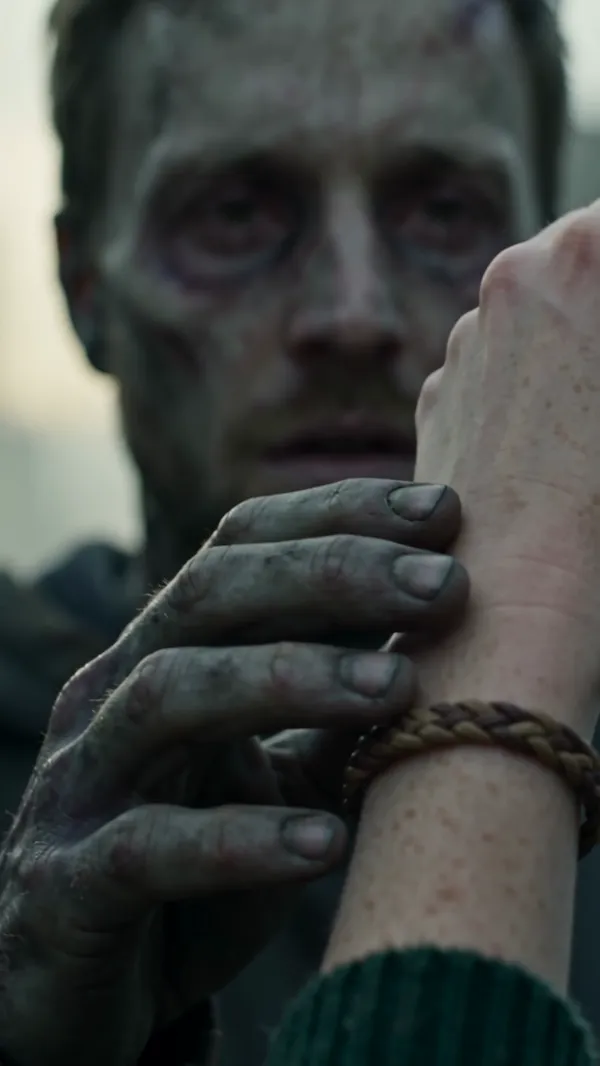
The love story: no gun. The one who turned slowly recognizes you, a matching bracelet brings back memories of your life together, and the connection is still there. The hug: they lunge, you open your arms, and in the embrace they turn human again.
How to post the zombie trend on TikTok
Pick the vertical 9:16 format before you make the video, then download the MP4 — no watermark. Upload it to TikTok, Reels or Shorts like any other video.
The video comes with its own score (sad piano and strings, no lyrics). Keep it, or add a trending sound in TikTok when you post; tags like #zombietrend and #aizombie help people find it.
How to do the AI zombie trend
 You+
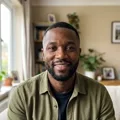
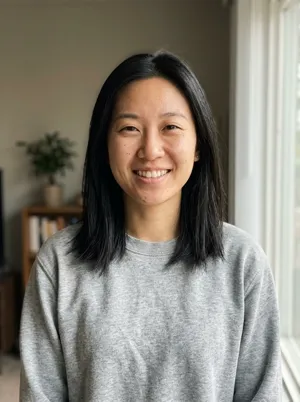
You+ Partner1
Upload two photos
You and your partner. Any clear selfie works.
- Generating your videoRendering…~3–5 min2
Tap once
No prompts. No editing.
 TikTokReelsShorts3
Download and share
Download the MP4, then share it anywhere — TikTok, Reels or the group chat.
Pick how your zombie story goes
Zombie Couple Video Generator
The full trend from two photos: one of you turns, the other raises the gun and can’t shoot.
Add your photos →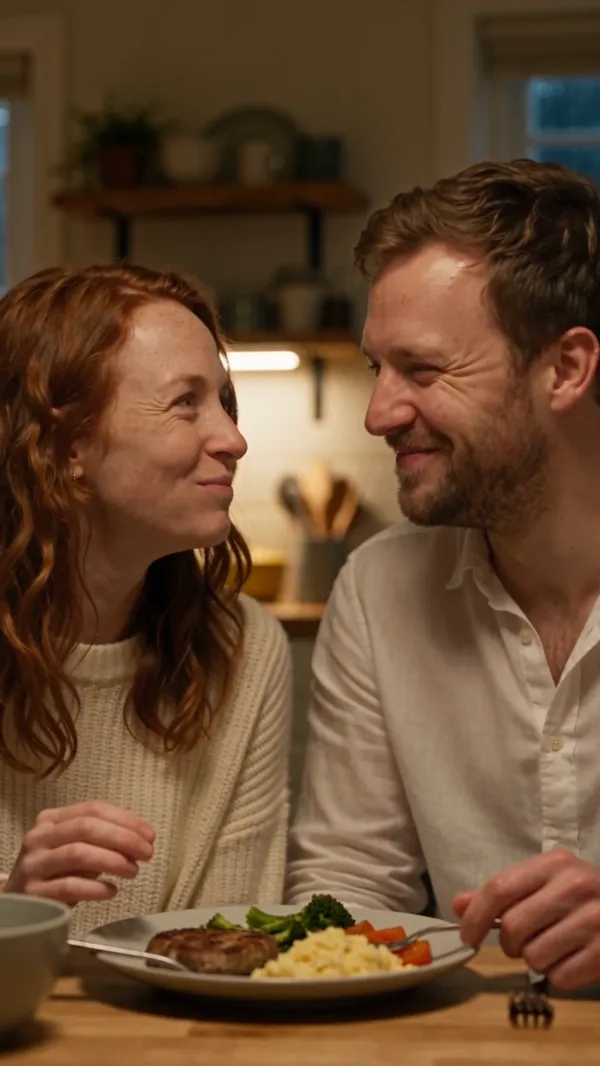
Zombie Love Story Video Generator
A slow, romantic short film — they recognise you, a familiar touch brings back your life together, and the bond survives the apocalypse.
Make a love story →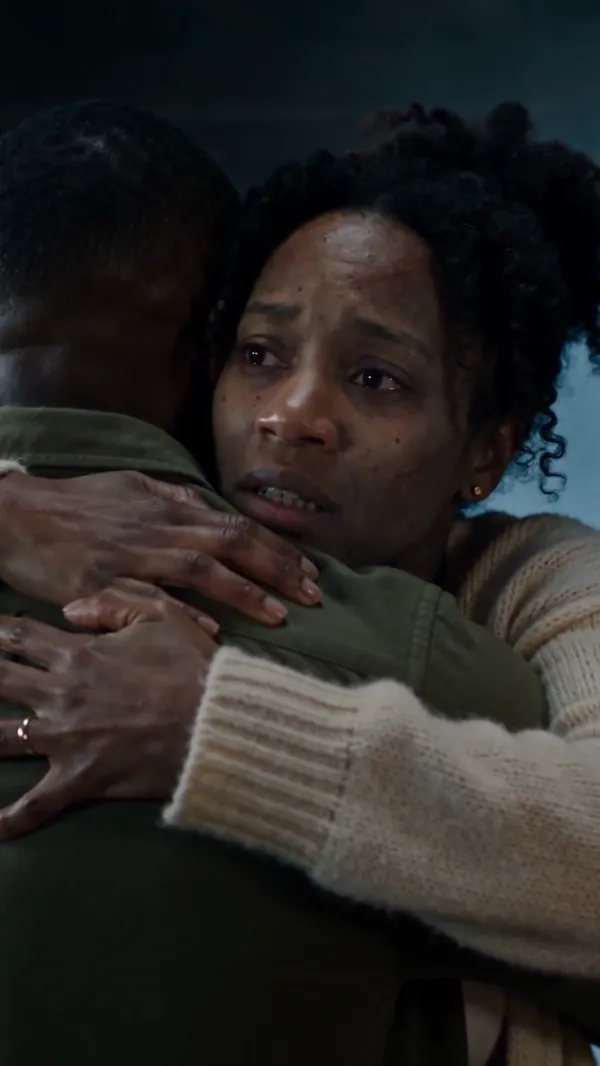
AI Zombie Hug Video Generator
No gun. They lunge, you open your arms instead of running — and in the hug, the one who turned becomes human again.
Make a zombie hug →Pay once. No subscription needed.
Credit packs, paid once. Credits never expire, and a failed render is always refunded.
- 1 HD video (12s, 720p)or 2 videos at 480p
- 100 credits
- No watermark, post anywhere
- Works on all three tools
- Failed renders are free
- Up to 2 HD videos (12s, 720p)or 5 videos at 480p
- 220 credits
- No watermark, post anywhere
- Works on all three tools
- Failed renders are free
- Up to 6 HD videos (12s, 720p)or 13 videos at 480p
- 600 credits
- No watermark, post anywhere
- Works on all three tools
- Failed renders are free
| Length | 480p | 720p HD |
|---|---|---|
| 12s | 44 credits | 100 credits |
| 15s | 56 credits | 125 credits |
| 24s | 89 credits | 200 credits |
| 30s | 111 credits | 250 credits |
AI zombie trend FAQ
No. TikTok, Snapchat and Instagram filters can’t make it. Each video is a new clip generated by an AI video model from two photos — one of you and one of the person who turns.
There is no single official song. Our videos come with their own original score — slow sad piano and strings, no lyrics. You can keep it or add any trending sound in TikTok when you post.
Yes. It works with any two adults who agreed to appear: a partner, a parent, a sibling or a best friend. Use one clear, front-facing photo of each person; they don’t need to be taken together.
No. The story, camera and music are preset. You add two photos and pick the scene, length, quality and format — that’s all.
Not right now. Every video needs a photo of each of two people.
No subscription: $9.99 for 100 credits (one 12-second 720p HD video), $19.99 for 220, $49.99 for 600. A video uses 44–250 credits by length and quality, and the cost shows before you make it. Credits never expire, and a failed video gives its credits back.
Every video is made with ByteDance's Seedance 2.5 video model, in up to 720p HD with sound. We use it because it keeps both faces recognizable through the turn, the memory and the hug, the moments where faces most often drift. It costs more per second to run than older or lighter models, and we don't swap in a cheaper one to lower the price. A failed render always gives its credits back.
Your turn. Do the zombie trend with your photos.
Two photos, one tap, about 3–5 minutes.
Add your photos →